> For the complete documentation index, see [llms.txt](https://docs-v4.venus.io/llms.txt). Markdown versions of documentation pages are available by appending `.md` to page URLs; this page is available as [Markdown](https://docs-v4.venus.io/guides/interface.md).
# Venus interface
Let's take a quick look at the Venus interface and the features available in each menu of the navigation bar.
### Dashboard
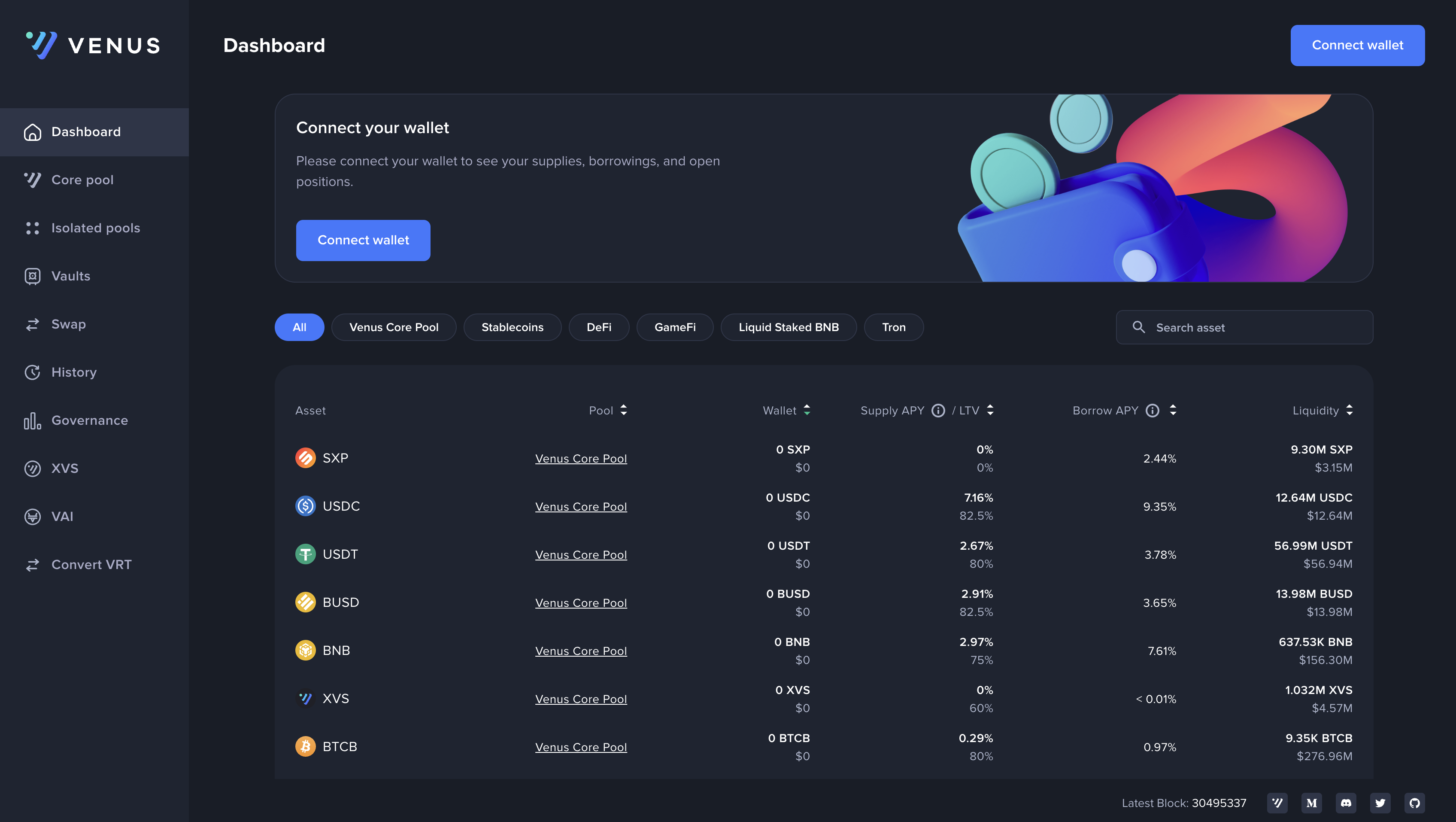
In the center of the Dashboard interface, you will find the Supply and Borrow markets. The Supply market allows you to lend your cryptocurrency assets and earn interest on them. You can choose which assets to supply and specify the amount you want to lend. On the other hand, the Borrow market allows you to borrow cryptocurrency assets by using your supplied assets as collateral. You can select the assets you want to borrow and specify the amount you need.
### Account
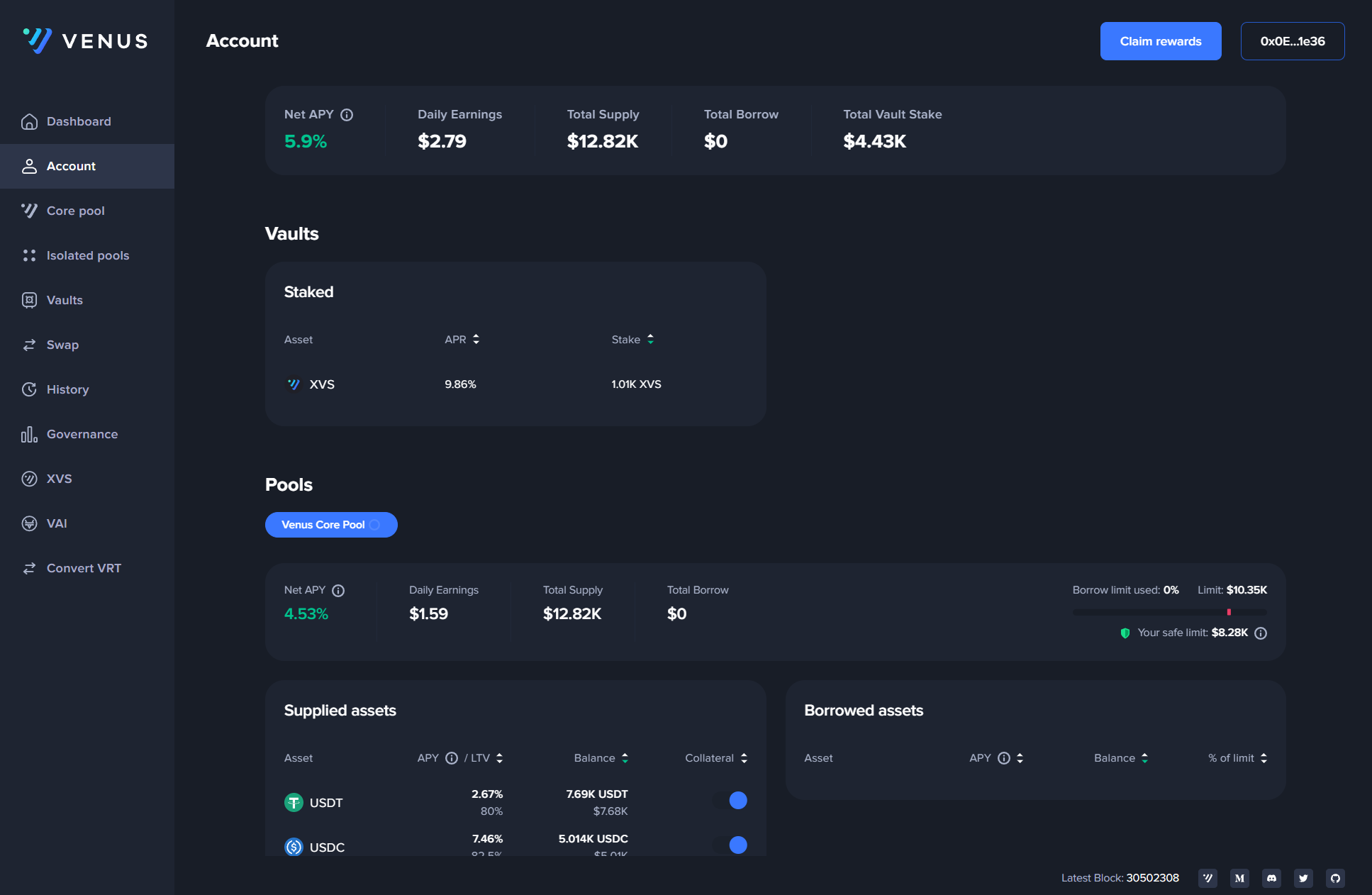
The Account interface provides an overview of your supplied and borrowed assets. Here, you can keep track of your balances and monitor the status of your transactions.
### Core Pool
The Core Pool is accessed from the Markets interface, which lists lending markets for the selected chain and displays metrics such as Supply APY, Borrow APY, and liquidity. On chains where [Isolation Mode](/whats-new/isolated-e-mode.md) groups are available, they appear as an **Isolation mode** tab within the Core Pool interface.
Isolation Mode is separate from the deprecated standalone Isolated Pools product described below.
### Pools
The standalone Isolated Pools navigation and market screens described in earlier versions of this guide have been removed. New supply and borrow activity in these pools is not available through the Venus interface. If you still have a position or unclaimed rewards in a legacy isolated pool, follow the [exit and rewards guide](/guides/isolated-pools-deprecation.md).
### Vaults
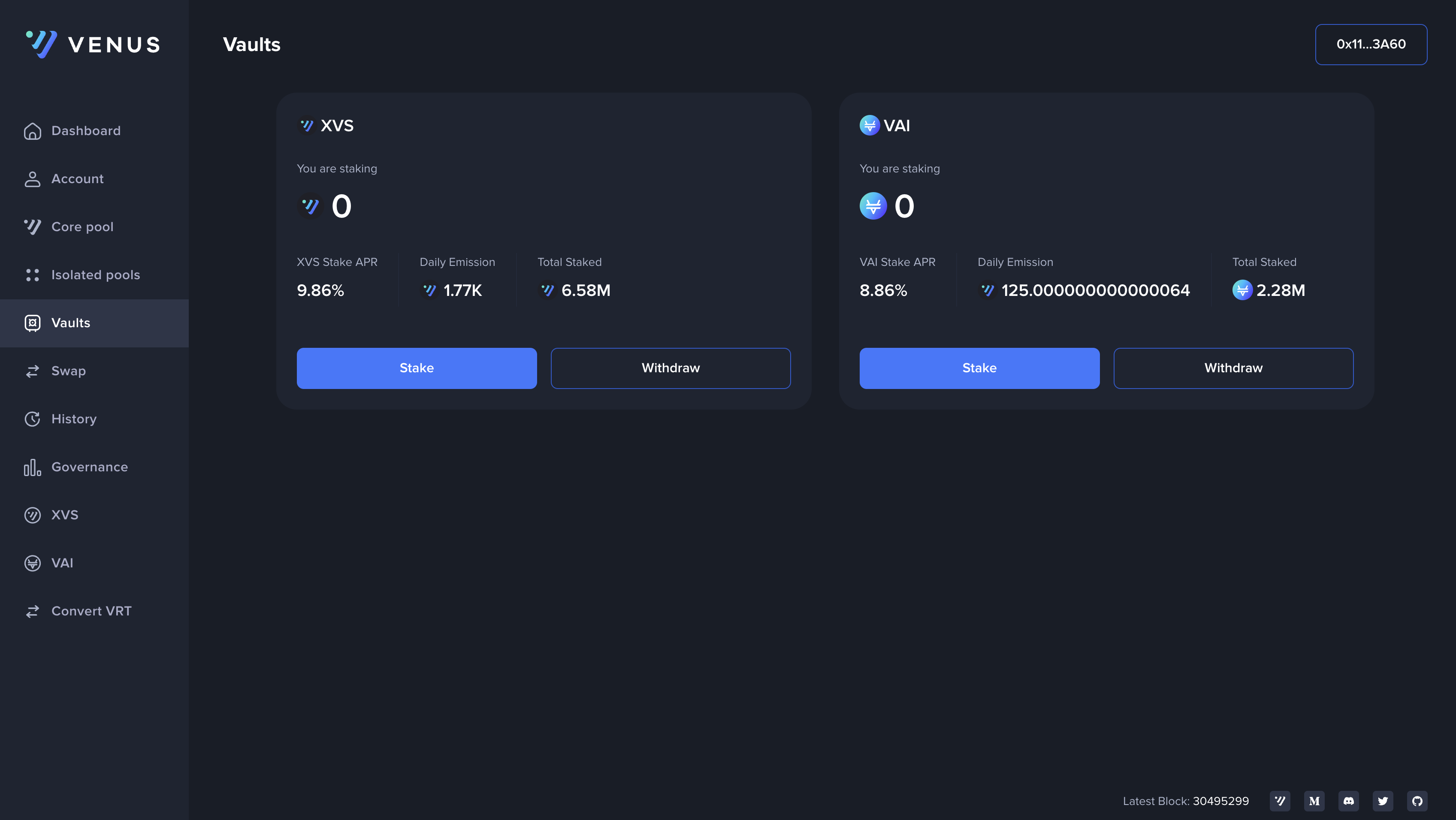
The Vaults interface allows you to access and manage the vaults associated with Venus Protocol. Vaults are designed to provide users with automated strategies for optimizing their yields and managing their assets more efficiently.
### Swap
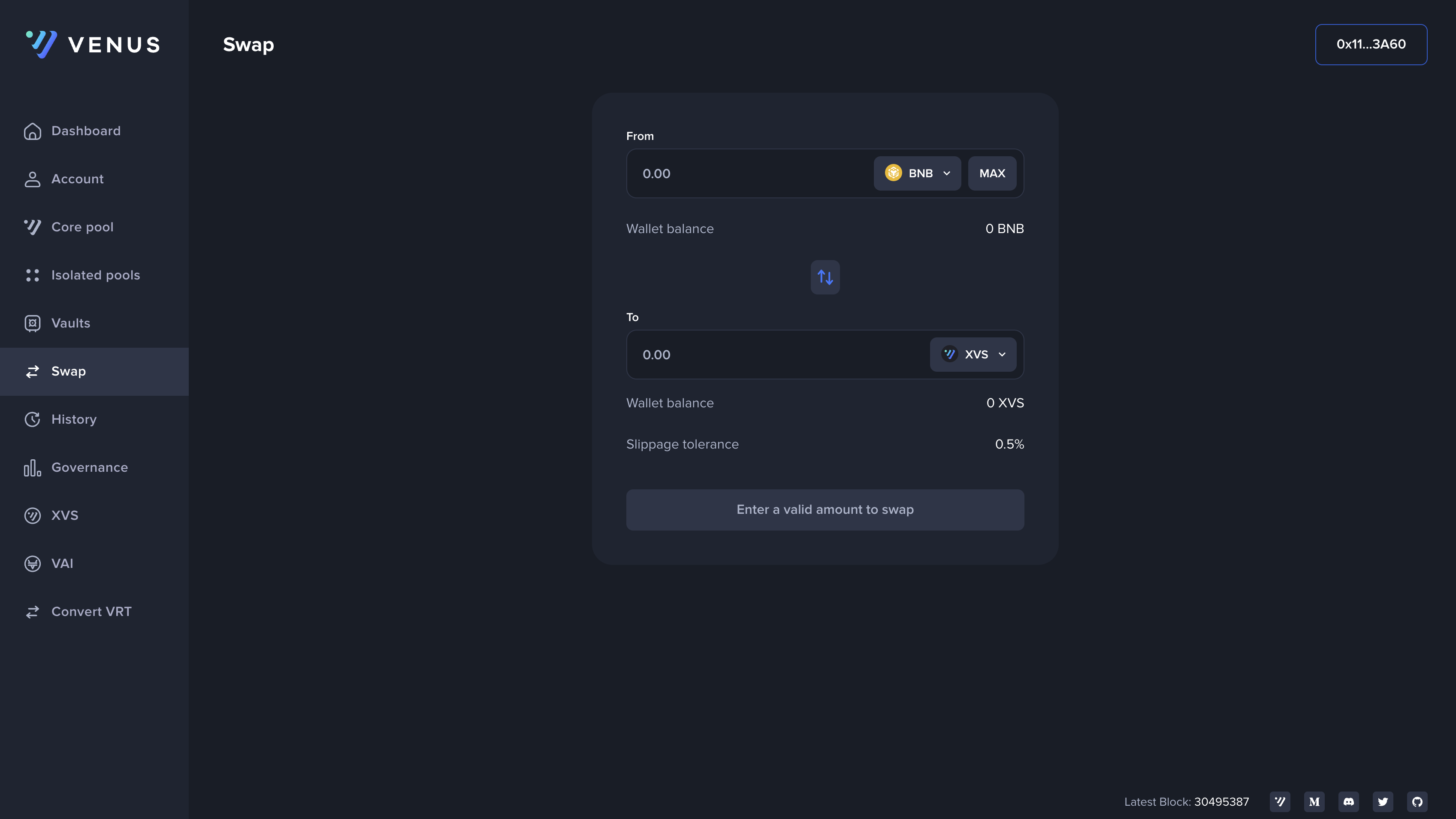
The Swap interface enables you to swap one cryptocurrency for another within the Venus Protocol. You can exchange your assets conveniently and quickly.
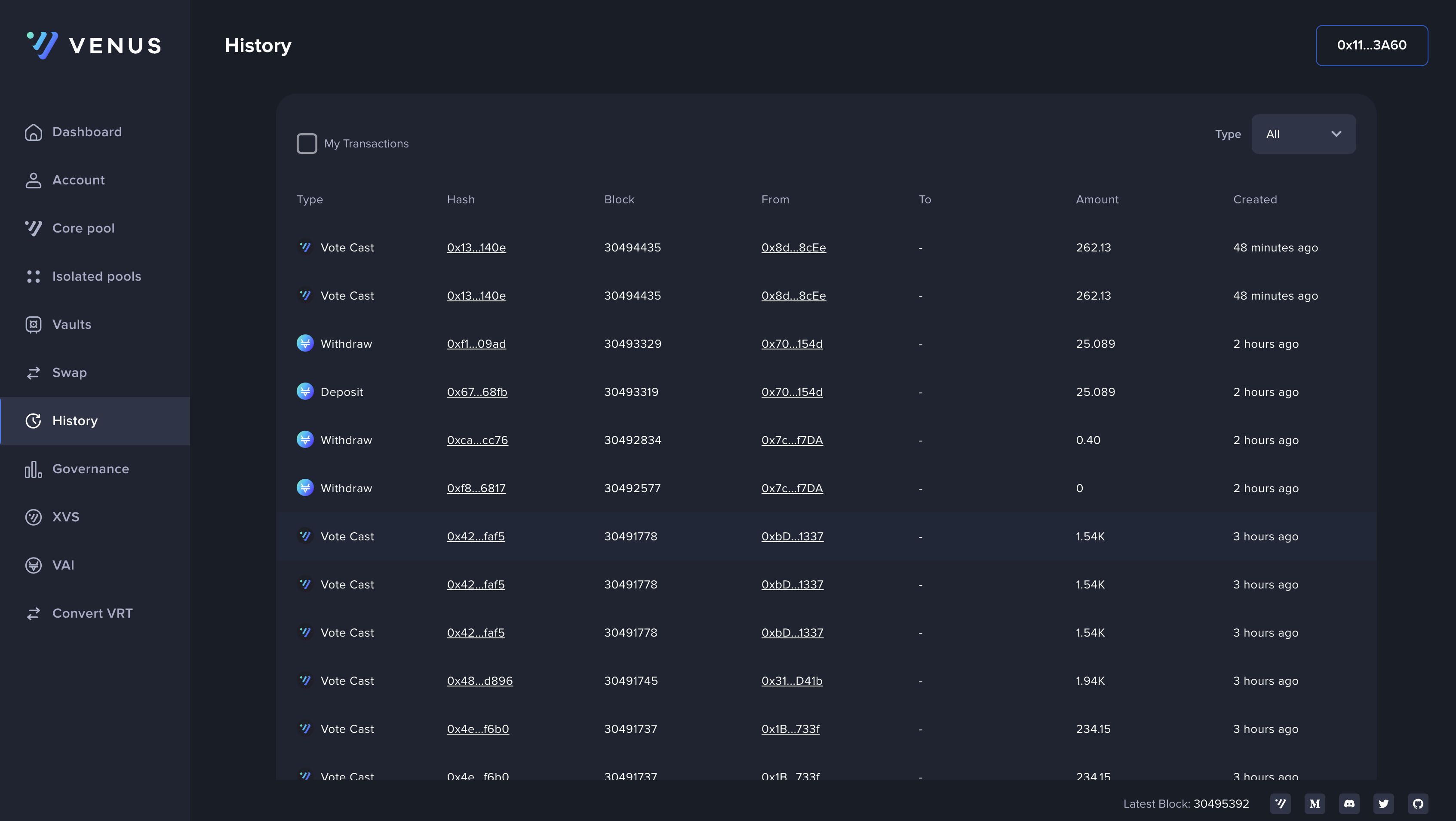
### History
In the History interface, you can review transaction history and track your previous activities on the Protocol.
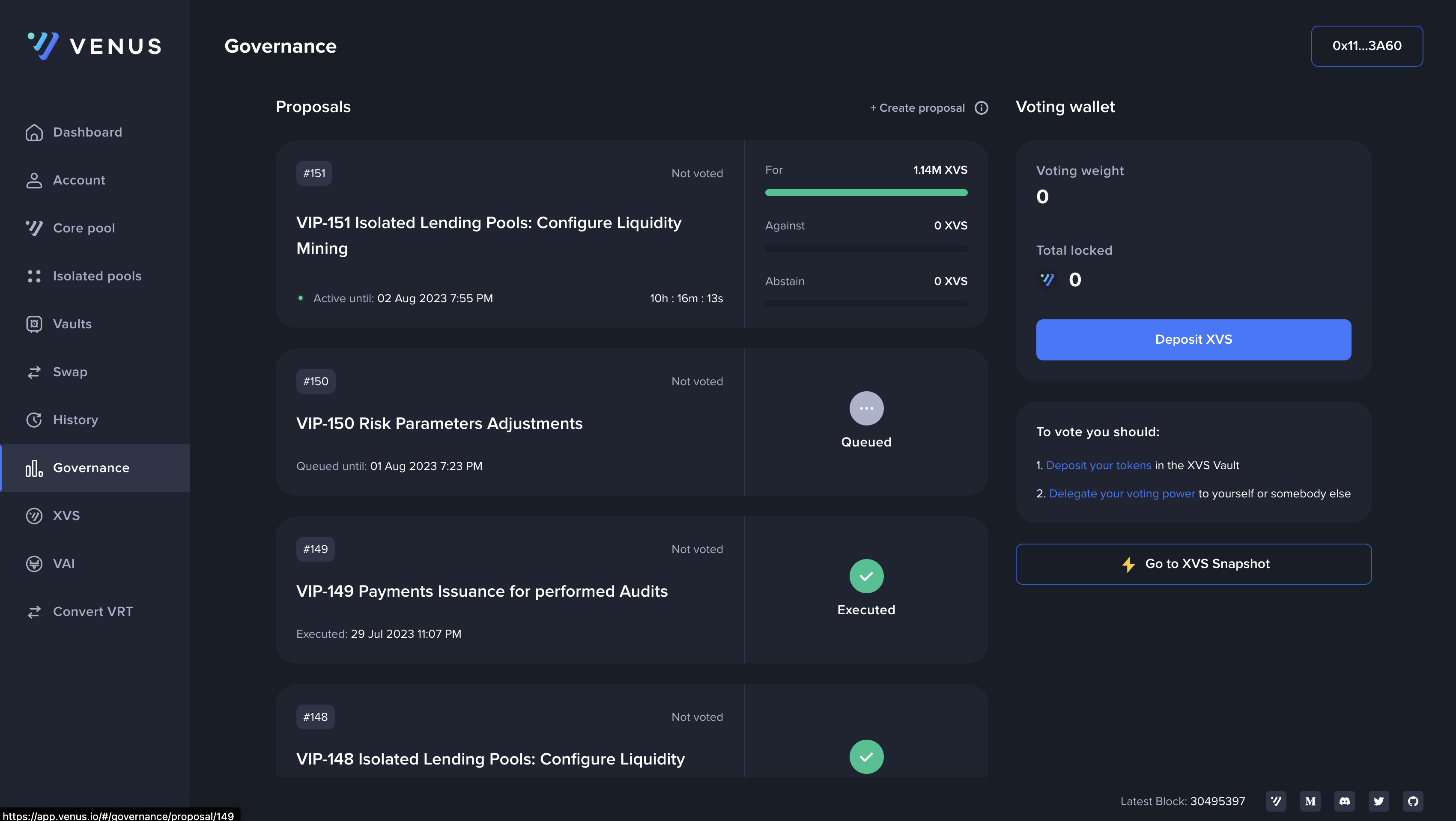
### Governance
The Governance interface provides access to Venus Protocol's governance features. Here, users can participate in voting and contribute to decision-making processes that shape the future of the protocol.
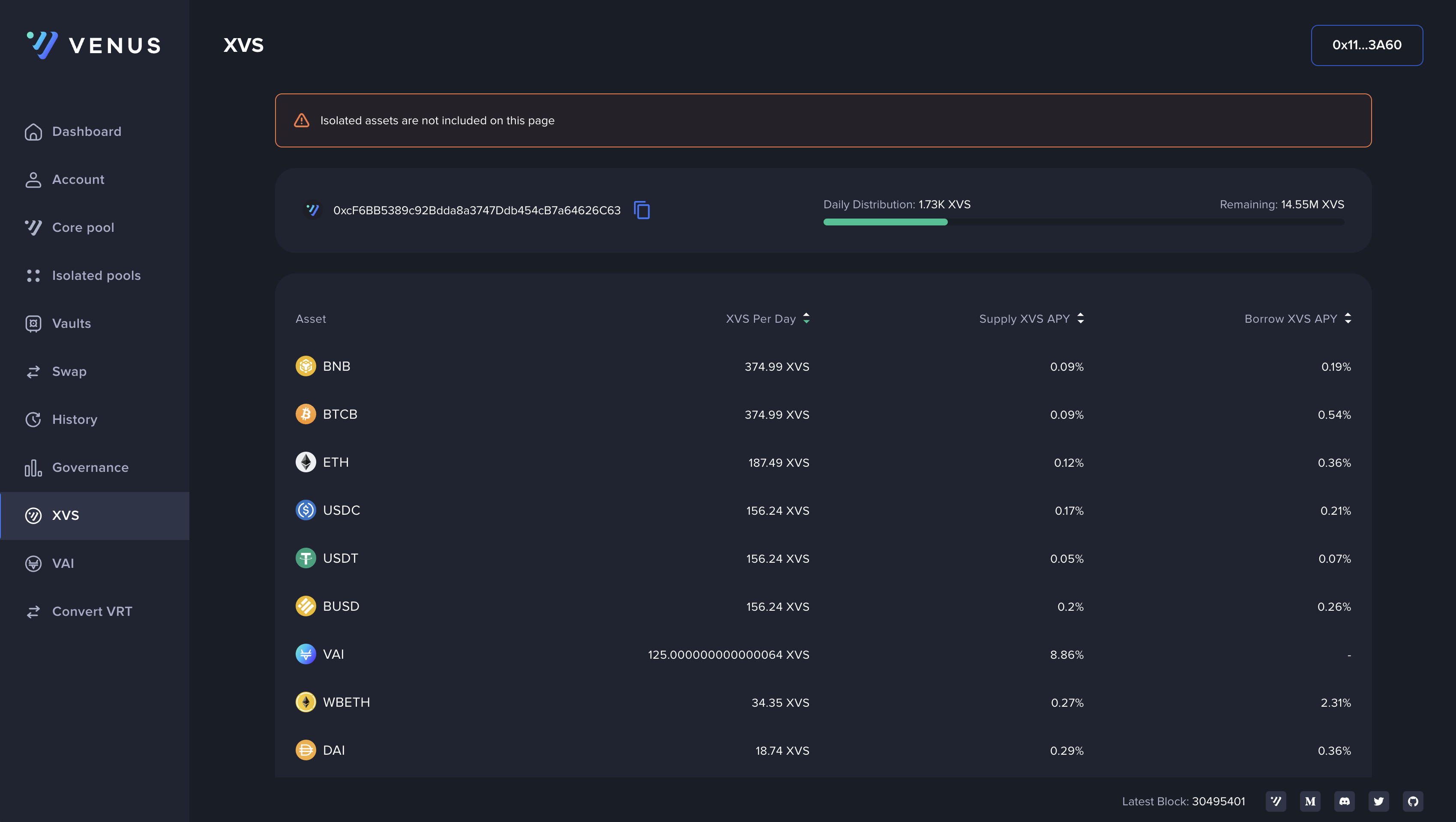
### XVS
The XVS interface displays the current daily reward distribution rate for each of the protocol markets.
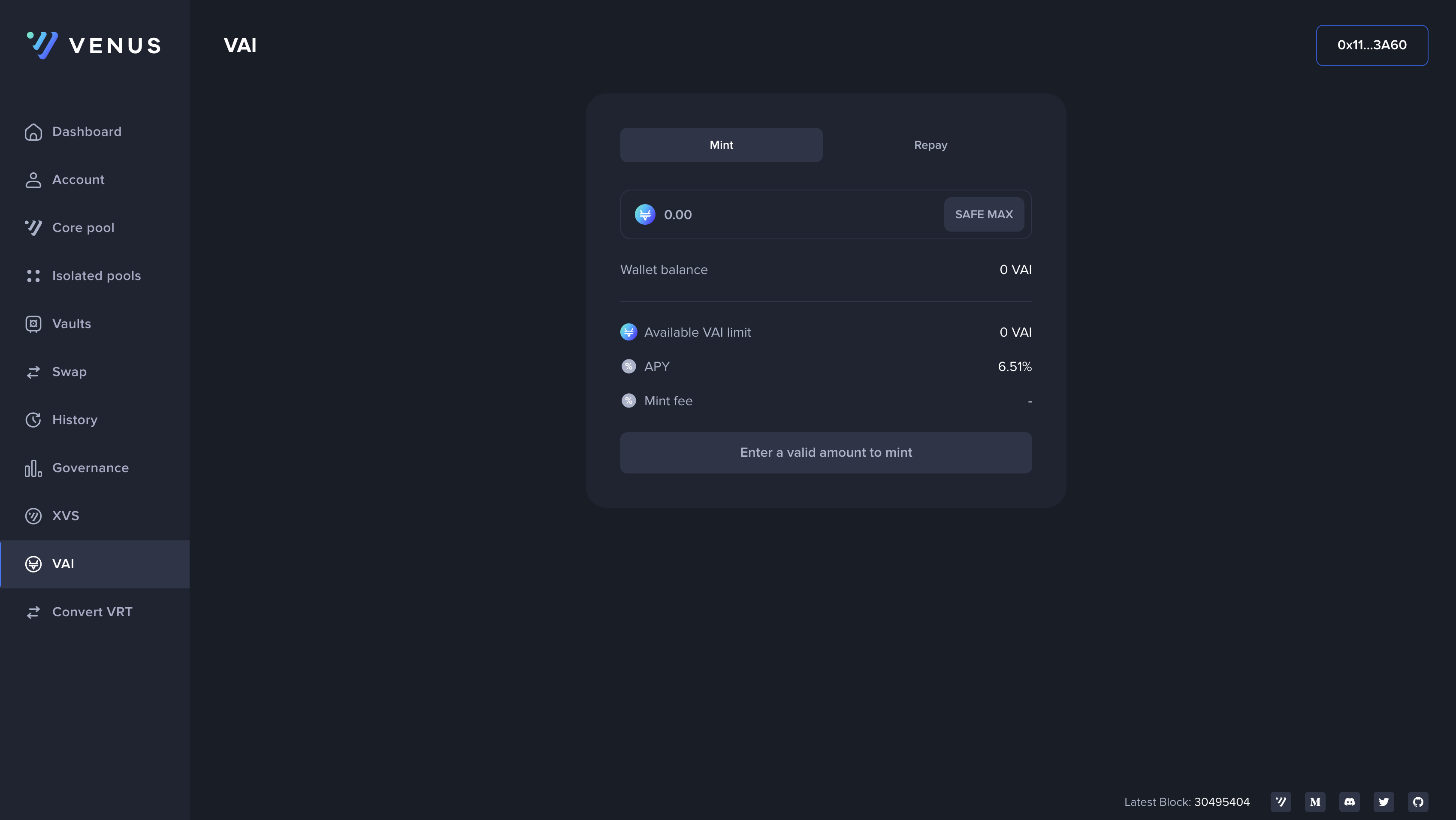
### VAI
The VAI interface is where you can mint and manage the VAI stablecoin. VAI is created on Venus Protocol and is pegged to the value of one USD.
---
# Agent Instructions
This documentation is published with GitBook. GitBook is the documentation platform designed so that both humans and AI agents can read, navigate, and reason over technical content effectively. Learn more at gitbook.com.
## Querying This Documentation
If you need additional information that is not directly available in this page, you can query the documentation by asking a question.
Perform an HTTP GET request on the following URL with the `ask` and `goal` query parameters:
```
GET https://docs-v4.venus.io/guides/interface.md?ask=&goal=
```
`ask` is the immediate question: it should be specific, self-contained, and written in natural language.
`goal` is what the user is ultimately trying to achieve, the reason they need the answer. Sharing it helps GitBook give you a better, more relevant answer. A goal is most helpful when it describes the outcome the user wants rather than restating the question. For example, with `ask=how do I create an API token`, a goal like `automate deployments from our CI pipeline` lets GitBook tailor the answer to that use case.
The response will contain a direct answer to the question and relevant excerpts and sources from the documentation.
Use this mechanism when the answer is not explicitly present in the current page, you need clarification or additional context, or you want to retrieve related documentation sections.